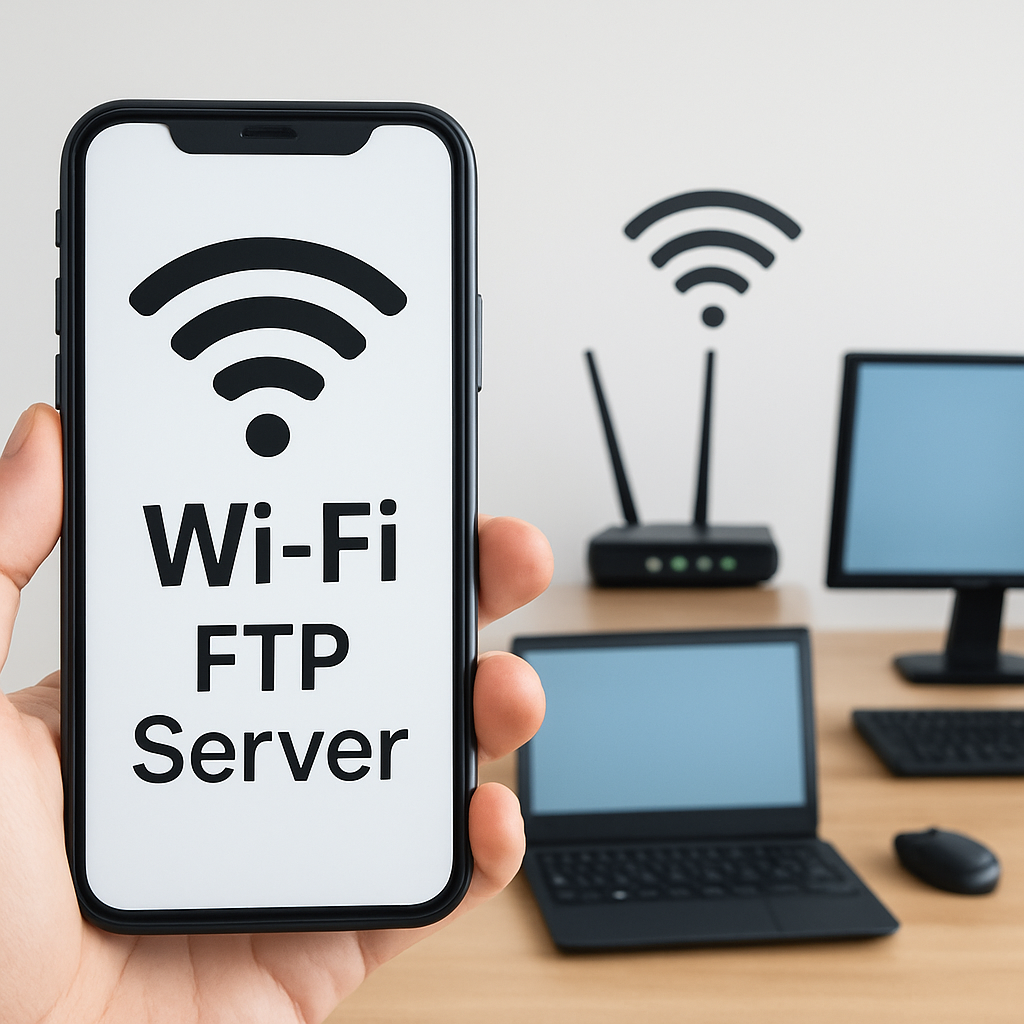
Cloud storage is one of those things that feels almost magical when it works — quick, convenient, and always within reach whether you’re on your laptop, phone, or tablet. It’s a big step up from relying only on local storage, since you can sync files across devices, share them instantly, and collaborate without worrying about emailing attachments back and forth. But here’s the catch: cloud storage depends heavily on your internet connection. If you’re away from your home Wi-Fi or stuck in a place with weak reception, suddenly that convenience disappears, and you’re reminded that the “cloud” isn’t always everywhere. That’s why I like to approach it with a bit of strategy — keep cloud storage for accessibility, but always maintain local or offline backups so you’re not locked out of your own files when the signal drops. It’s a small habit that shows foresight and makes your workflow a lot more resilient.
As well as cloud storage, which usually gets all the attention, there are some practical cenarios in which I use my Portable FTP Server to keep my workflow smooth. I use it as a reliable alternative to the cloud, giving me direct access to my files anytime, anywhere — and in the next paragraphs, I’ll share exactly how I make the most out of it.
1:Offloading Photos and Videos from Iphone
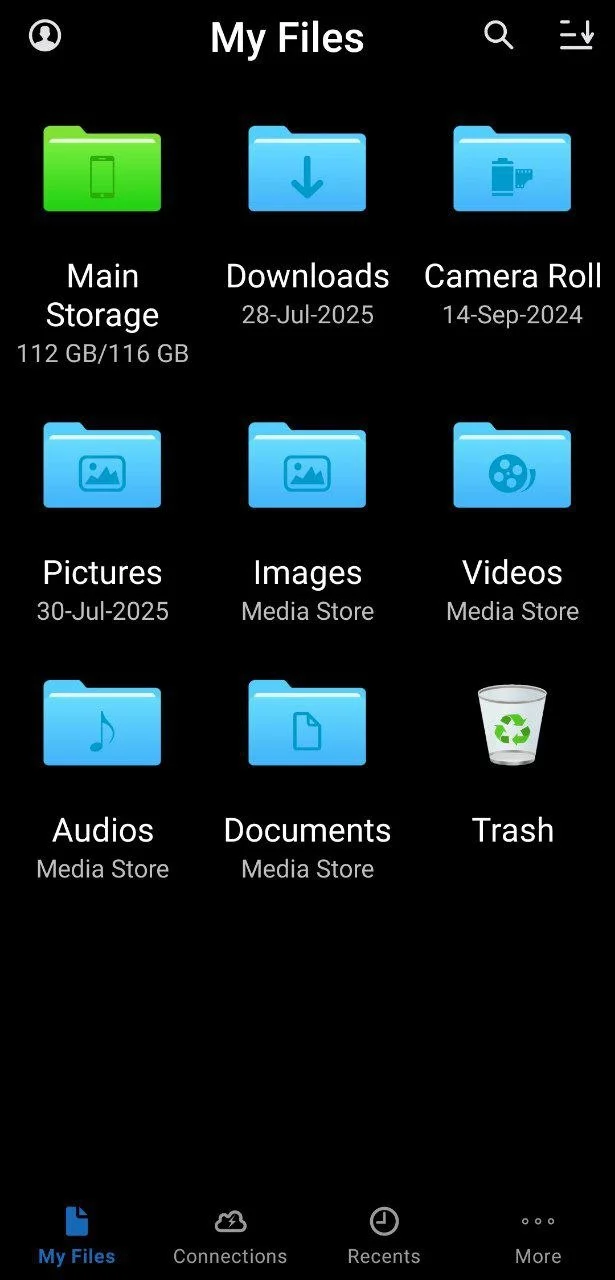
One of the most practical ways I use my portable FTP server is when I’m traveling. Using Owl File Manager on my iPhone, I offload photos and videos directly to the server, which keeps my iPhone free to record more memories. At the same time, all my files are safely backed up and ready to organize later when I’m back at my desk.
2:Storing Personal Documents
I keep important personal documents, like scanned IDs, receipts, and notes, on my FTP server. This way, I can access them anytime from my phone or laptop without worrying about losing them or carrying physical copies.
3:Syncing Music and Media
I use the server to store my favorite music, podcasts, and videos. It allows me to stream or download content to my devices whenever I want, even if I’m offline or away from cloud services.
4:Keeping Software Tools Handy
I also store network utilities, scripts, and software tools on my FTP server. This is a lifesaver when I need to test configurations or troubleshoot devices on the fly — I always have my essential tools ready without relying on downloads or cloud access.
5:Archiving Old Device Data
Whenever I upgrade my phone or tablet, I use my portable FTP server to archive all the data from the old device. Photos, app data, and settings get stored safely, so I can retrieve anything later without cluttering my new device or relying on cloud storage.
